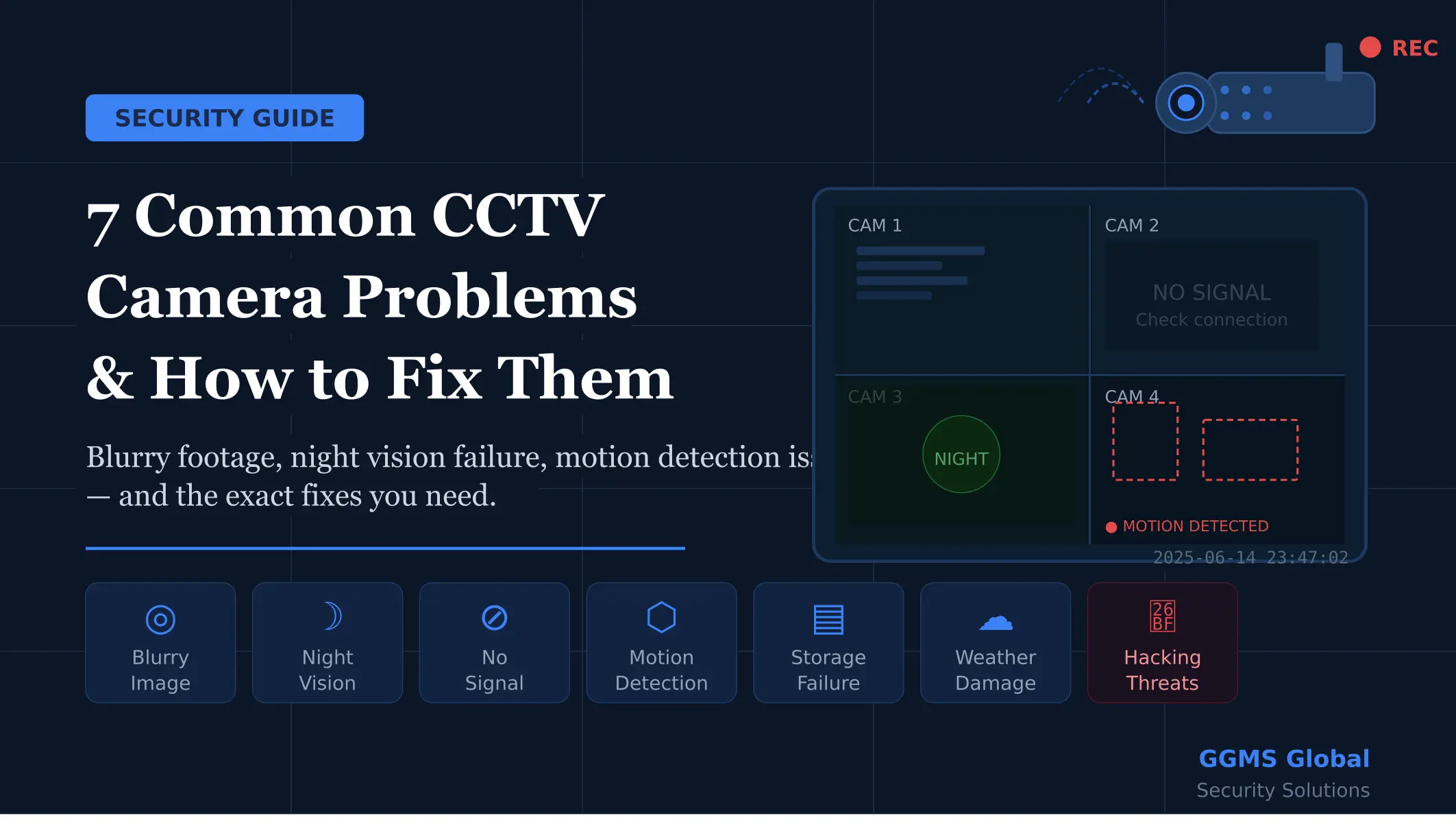

CCTV security cameras are one of the most reliable tools for protecting homes, offices, and commercial spaces. But like any technology, they come with their own set of frustrating problems. A camera that isn’t working correctly is worse than no camera at all — it gives you a false sense of security. Whether you’re dealing with a blurry image, a dead black screen, or footage that simply isn’t recording, this guide covers the 7 most common CCTV security camera problems and exactly how to fix them.
1. Blurry or Poor Image Quality
One of the most common CCTV security camera problems is footage that looks fuzzy, grainy, or washed out. This makes it impossible to identify faces or read license plates — the very reason you installed the camera in the first place.
The main causes are a dirty or smudged lens, incorrect focus settings, low camera resolution, or glare from a nearby light source aimed directly at the lens. Older cameras running at 480p or 720p resolution will also struggle to capture useful detail.
How to fix it: Start by cleaning the lens with a microfiber cloth. If your camera has a manual focus ring, adjust it slowly until the image sharpens. Upgrade to at least 1080p Full HD resolution if you are still using older hardware. Reposition the camera to avoid direct sunlight or artificial glare. For dome cameras, check whether the protective cover is scratched or fogged and replace it if needed.
2. Night Vision Not Working
A CCTV camera that goes blind after dark defeats the purpose of 24/7 surveillance. Most cameras use infrared (IR) LEDs for night vision, and when these fail, your footage turns completely black or appears overexposed with white glare.
This problem is usually caused by burned-out IR LEDs, a stuck IR cut filter that fails to switch modes at night, or IR light bouncing back from a reflective surface like a white wall placed too close to the camera.
How to fix it: Test your IR LEDs by pointing your phone camera at the camera in a dark room — you should see a faint purple glow if the LEDs are working. If there’s no glow, the unit needs servicing or LED replacement. Check your camera settings and set the day/night mode to automatic. Reposition the camera so it has at least one to two metres of clearance from any nearby reflective wall or surface.
3. No Signal or Camera Offline
Seeing a black screen or “no signal” message on your DVR or NVR monitor is alarming, but it is usually a simple technical issue. The most common causes are loose cable connections, a failed power supply, a faulty port on the recorder, or — for IP cameras — a network issue like an IP address conflict or dropped Wi-Fi connection.
How to fix it: Check all cable connections at both the camera end and the recorder end. Move the camera to a different channel on the DVR/NVR to isolate whether the issue is with the camera or the port. For IP cameras, log into your router and check the DHCP client list to confirm the camera has been assigned an IP address. Use a cable tester to check for a broken coaxial or Cat5/6 cable run. If you are using Power over Ethernet, try a dedicated PoE injector to rule out a switch power issue.
4. Motion Detection Not Triggering
If your camera is missing events or not sending alerts, it is almost certainly a settings issue. The sensitivity may be set too low, the detection zones may not cover the right areas, or a recording schedule may have been accidentally configured to exclude certain hours.
How to fix it: Open your camera or DVR/NVR settings and gradually increase the motion sensitivity. Redraw motion detection zones to properly cover the area you want monitored. Verify the recording schedule is set to the hours you need, or to 24/7. Walk through the camera frame yourself to test whether motion is now being detected. If you are using AI smart detection for people or vehicles, confirm that those specific detection categories are enabled in settings.
5. Storage and Recording Failures
Discovering that the footage you need simply does not exist is one of the most serious CCTV security camera problems. Common causes include a completely full hard drive with no overwrite setting enabled, a failed HDD inside the DVR/NVR, a corrupted SD card, or a lapsed cloud storage subscription.
How to fix it: Enable loop recording so the system automatically overwrites the oldest footage when storage is full. Always use surveillance-grade hard drives, as standard desktop drives are not designed for the continuous read/write demands of 24/7 recording and fail much faster. Check drive health regularly through your NVR dashboard. Format SD cards every three to six months to prevent corruption. Add cloud backup as a secondary layer so footage is preserved even if your local recorder is stolen or damaged.
6. Weather and Environmental Damage
Outdoor CCTV cameras face constant exposure to rain, dust, heat, humidity, and insects. Moisture can seep into housing and cause internal fogging. Dust accumulates on lenses. Lightning strikes can destroy cameras and connected equipment through power and cable lines.
How to fix it: Choose cameras rated IP66 or IP67 for outdoor installations. Mount cameras under eaves to reduce direct rain exposure. Seal all cable entry points with silicone to prevent moisture ingress. Install surge protectors on all power lines. Inspect outdoor units quarterly and replace cracked or UV-degraded dome covers promptly.
7. Hacking and Cybersecurity Vulnerabilities
This is the CCTV problem most owners never think about until it is too late. IP cameras connected to the internet are regularly targeted by automated scanning tools that exploit default passwords, outdated firmware, and open network ports. A compromised camera can expose your private footage or give attackers a gateway into your entire home network.
How to fix it: Change the default username and password immediately after installation. Keep firmware updated at all times. Place cameras on a separate network VLAN, isolated from your main devices. Disable UPnP on your router. Use a VPN for remote access rather than forwarding ports directly. Only buy cameras from reputable brands that publish security updates and regular firmware patches.
Conclusion
Most CCTV security camera problems are entirely preventable with the right setup, correct settings, and routine maintenance. Work through this list, check your own system against each point, and you will have a surveillance setup that actually does its job when it matters most.
Need Professional Help? Contact GGMS Global IT Solutions
If you have worked through this guide and your CCTV system is still giving you trouble — or if you want a professional to handle your installation, maintenance, or upgrade from the start — GGMS Global is here to help.
GGMS Global is a trusted security solutions provider offering end-to-end CCTV installation, system diagnostics, maintenance contracts, and cybersecurity hardening for residential, commercial, and industrial clients.
Don’t leave your security to chance. Contact us today for a free consultation and let the experts make sure your CCTV system is working exactly as it should.